Video templates
Video templates you render yourself.
A folder of ready-made video projects built with Remotion, an open-source tool for making videos with code. Pick a template, change the words, colours and footage, and render it on your own computer. Your AI agent can do the editing for you. Nothing is uploaded, generated or stored by us.
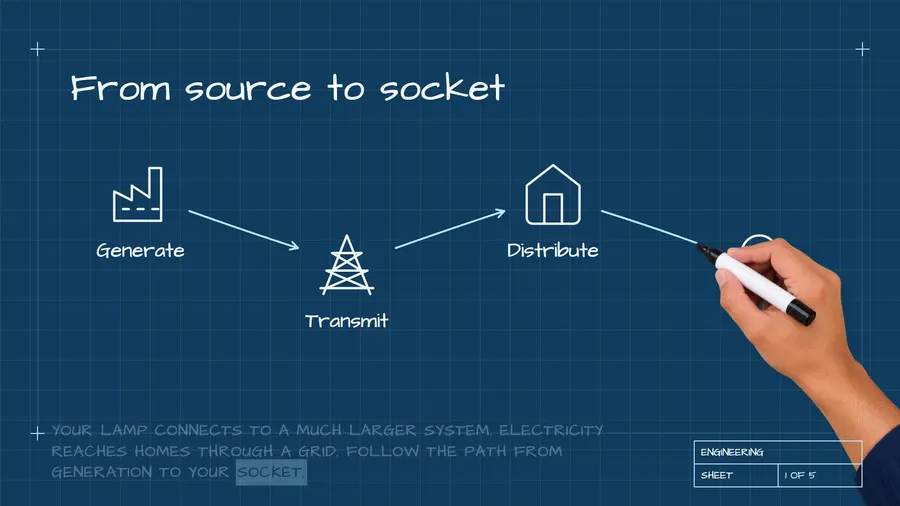
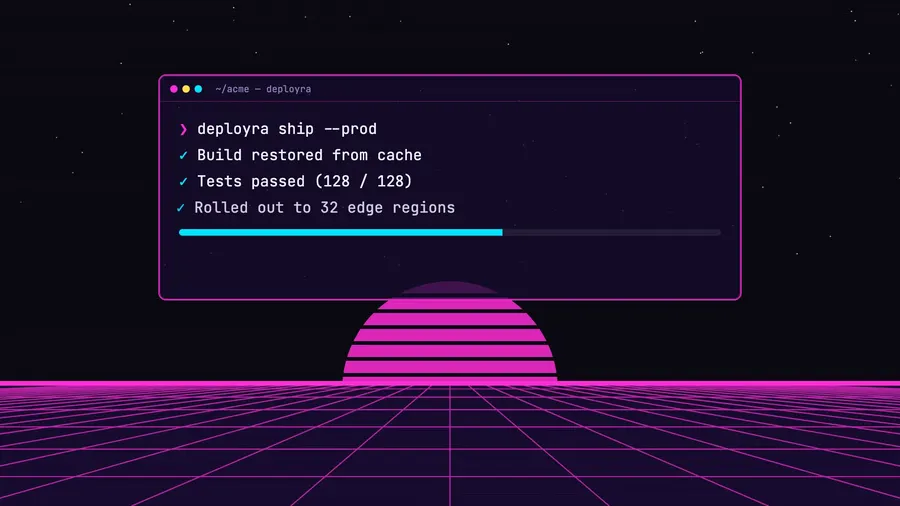
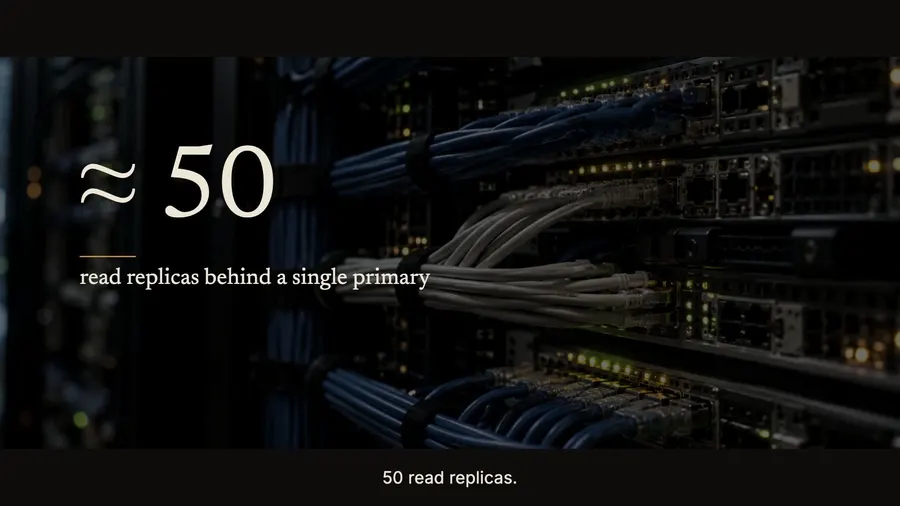
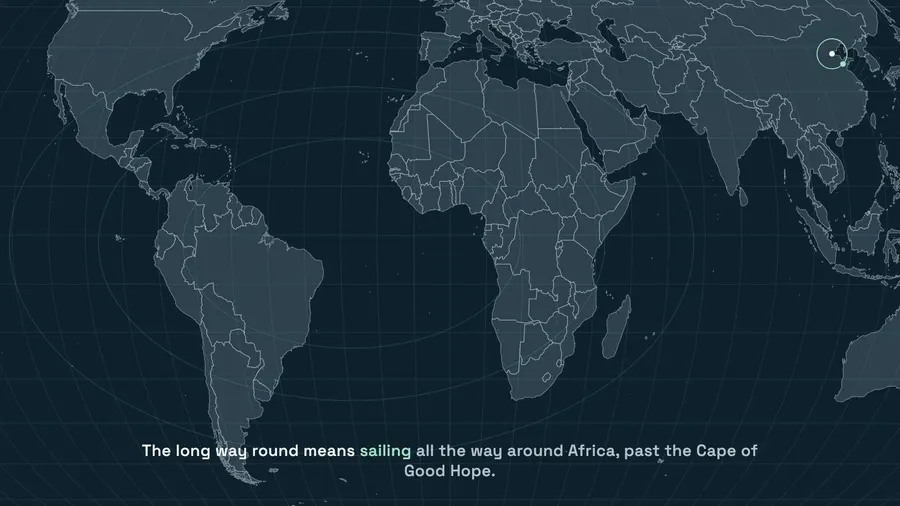
Explainers
What you get
Already built. Ready to use.
Everything here works from the first run. Change what you want and keep the rest.
Explainer templates
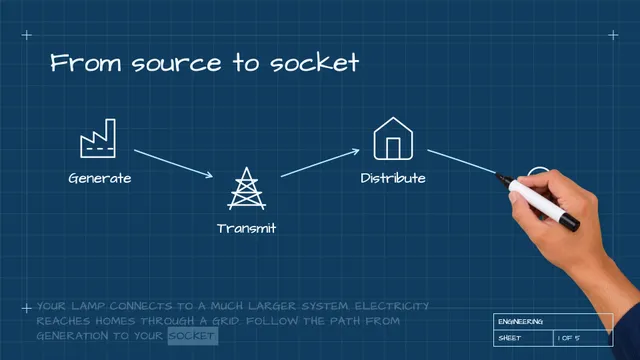
18 projects, hand-drawn and animated. Great for teaching an idea fast.
Product demo templates
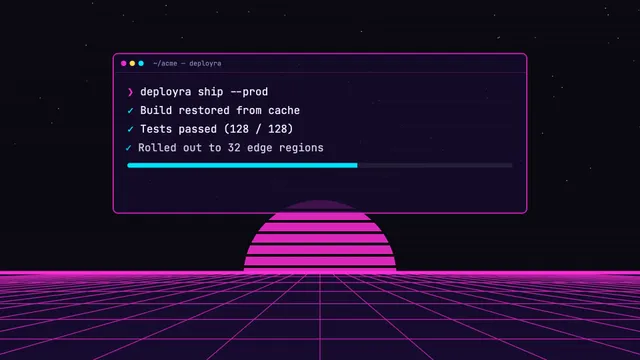
18 projects that show your app without filming anything.
Edit templates for your footage
Cuts, captions, B-roll and animated boards for your own recordings, in several edit styles.
Local voice-over
A voice that runs on your computer reads your script. No per-minute bill and nothing leaves your computer.
Captions
Word-timed subtitles, in the style of each template.
Thumbnail designs and post guides
20 thumbnail templates and guides for LinkedIn, X, Threads, Instagram, TikTok and YouTube.
Music and sound
41 music tracks and 67 sound effects, ready to use.
Your own templates
Describe your brand and your agent builds templates in your own design system.
Every format
16:9 for YouTube, 9:16 for Reels and Shorts, and 1:1 for feeds.
Made withRemotion · React · FFmpeg · Kokoro voice (local) · Local speech-to-text (Parakeet, Whisper) · Python 3 setup script
You needAn AI agent such as Claude Code, Codex or Cursor · About 2 GB of disk (7 GB with the local voice) · Remotion is free for individuals and teams of up to 3
Videos
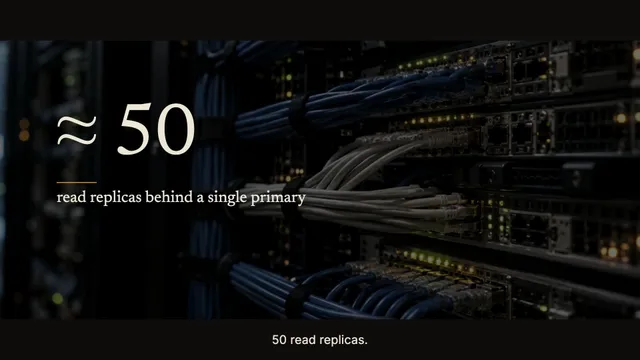
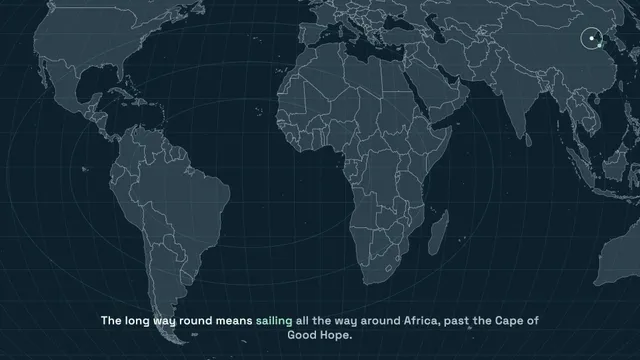
Real videos, rendered from the templates. See for yourself.
Click a video to watch it with sound. Every template is on the templates page.
Ask your AI
Say it. Get it.
You don’t write the code or edit the video. Open the folder in your AI agent, say what you want in plain words, and review what comes back.
Not sure what to ask? Here are real examples.
› Put my app name, colours and screenshots into the product demo template
A demo project ready to render
› Render it as a 25-second video
demo.mp4 · 25 s, on your computer
› Use the glide edit template on my recording in ~/Downloads/demo.mov
An edited video with captions and motion graphics
› Cut three vertical reels from that recording
Three vertical reels, each captioned
Is this a video editor or an AI video generator?
No. It is a folder of video templates that runs on your own computer. We don’t host, generate or store anything, and nothing is uploaded to us. Your own AI agent edits the project files, and the video is rendered on your machine.
Do I need to know video editing?
No. Ask in plain words, review the result, and ask for changes the same way.
Does the voice-over cost anything per minute?
No. The voice runs on your own computer after a one-time download.
Can I use my own recordings?
Yes. The edit templates add clean cuts, word-timed captions, boards, B-roll and music to your footage.
Which AI agents work?
Any agent that can open the folder and run commands, such as Claude Code, Codex or Cursor.
Can I make my own templates?
Yes. Describe your brand and your agent builds templates in your own design system.
In the same kit
One download. Four products.
Your purchase includes all of them.

Start from a working product, not a blank folder.
$9.99 once, then it’s yours: every kit, every template, every update. Run it for 14 days or get your money back.
Get the kit for $9.99$59.90 · launch price · no subscription