Mobile app kit
A real phone app you can open on your own phone in minutes. The screens, the look, sign-in and subscriptions are already built, so you only add what makes your app yours.
Real screens, ready to use
What you get
Everything here works from the first run. Change what you want and keep the rest.
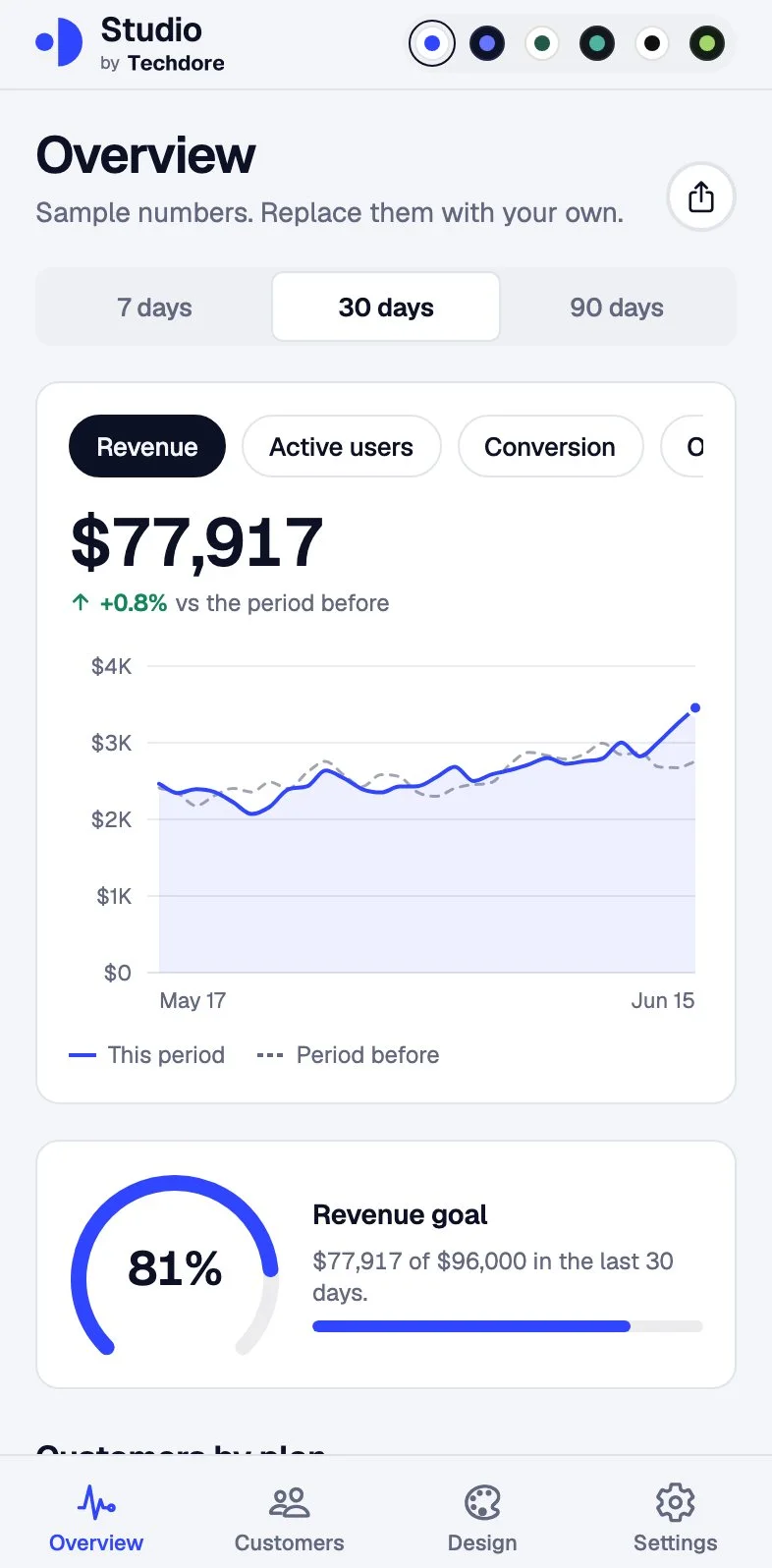
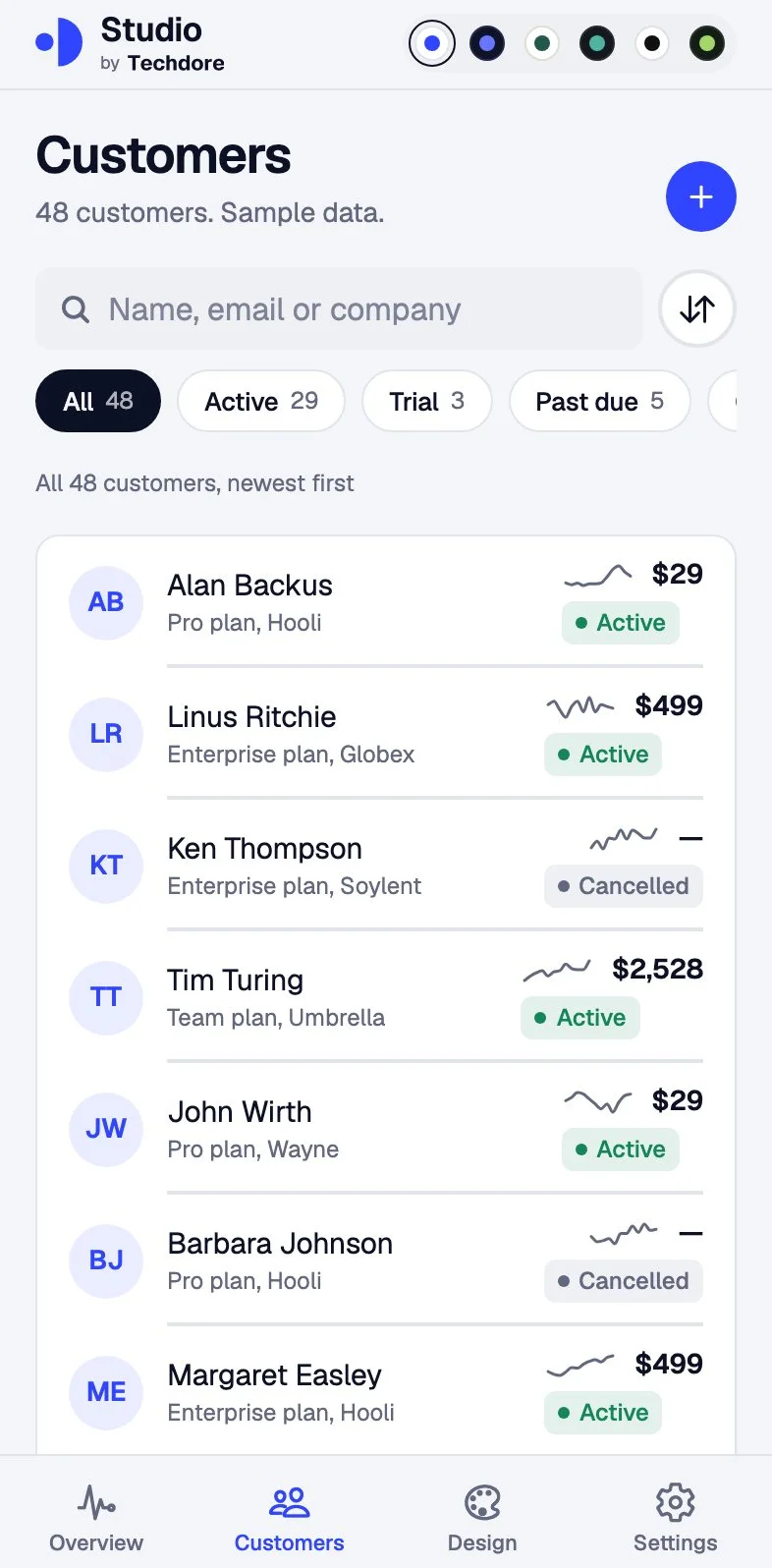
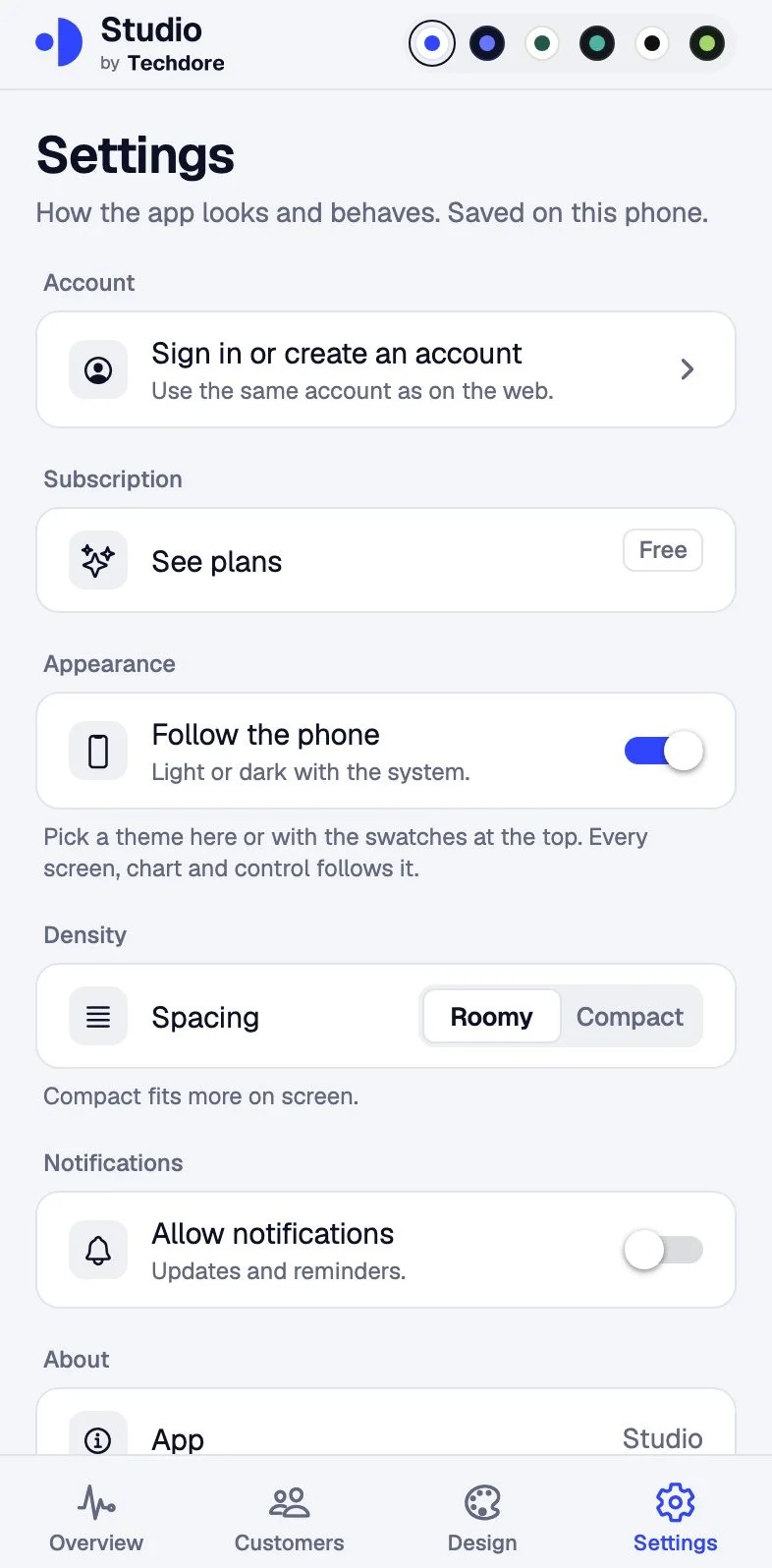
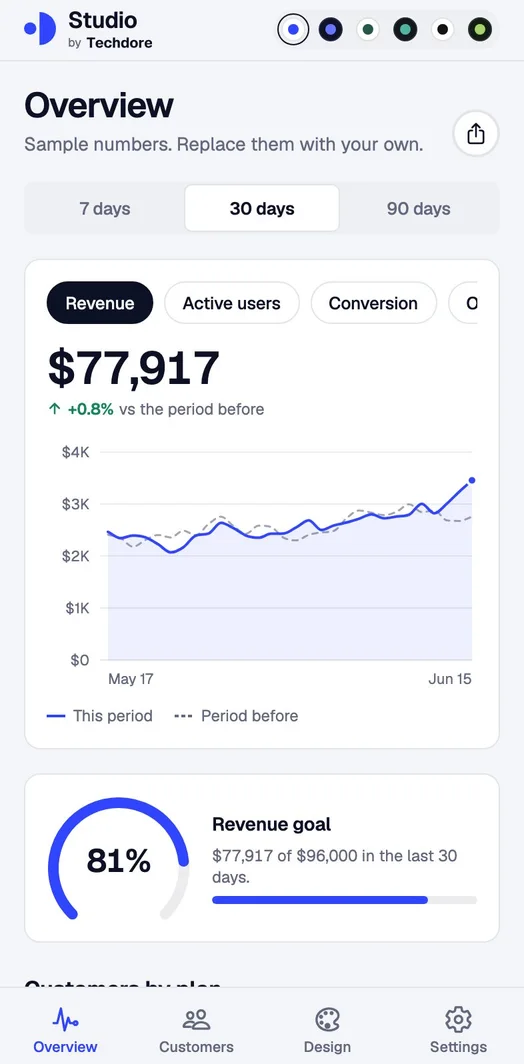
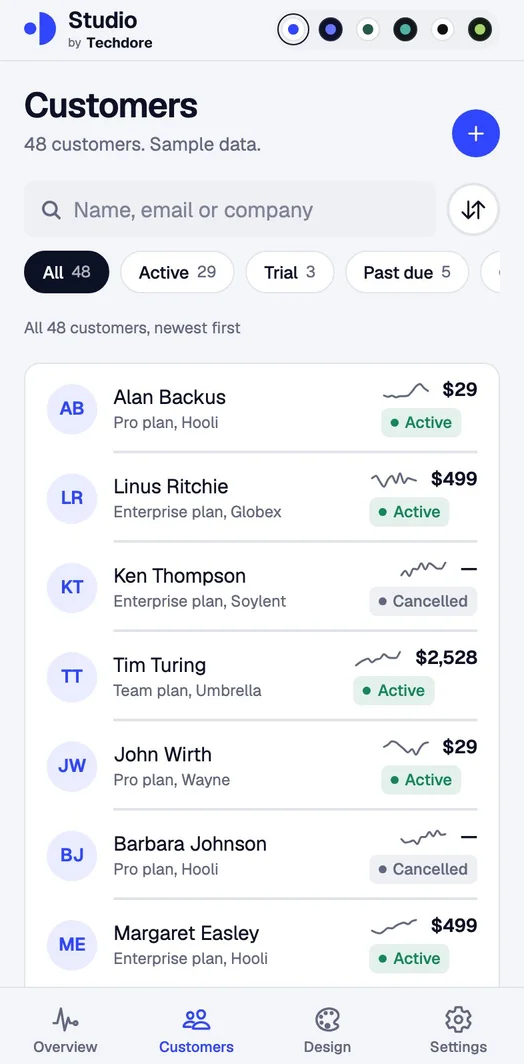
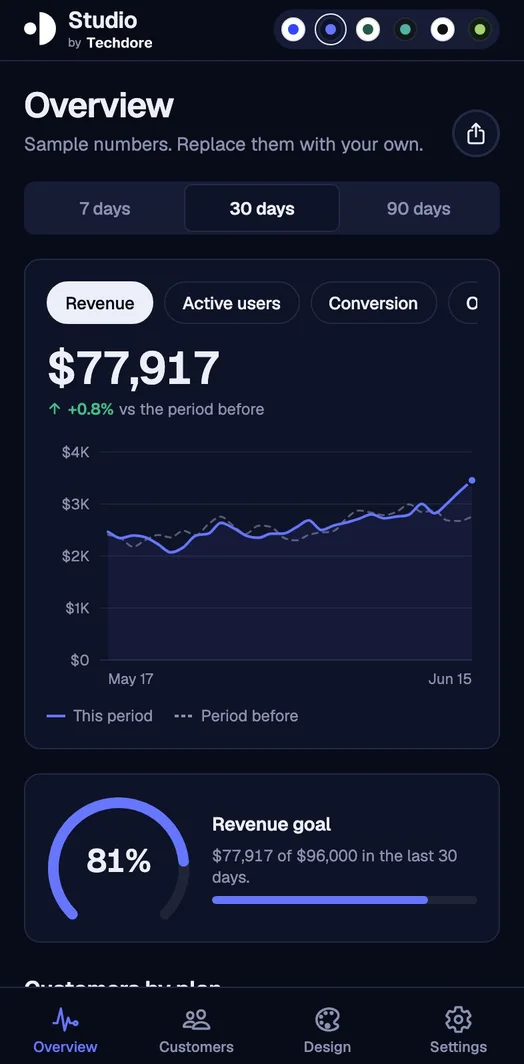
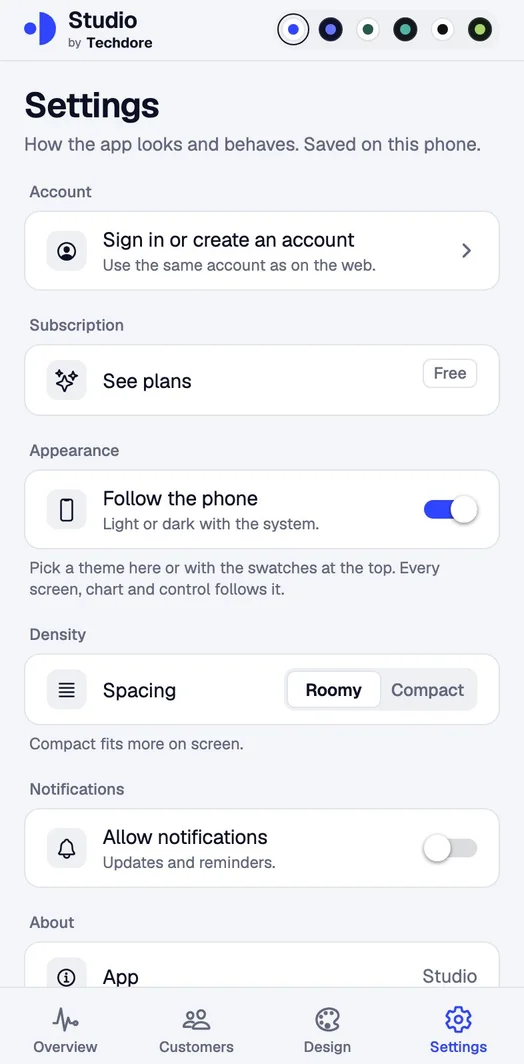
An overview with charts, a customers list with search and filters, settings, sign-in and a paywall.
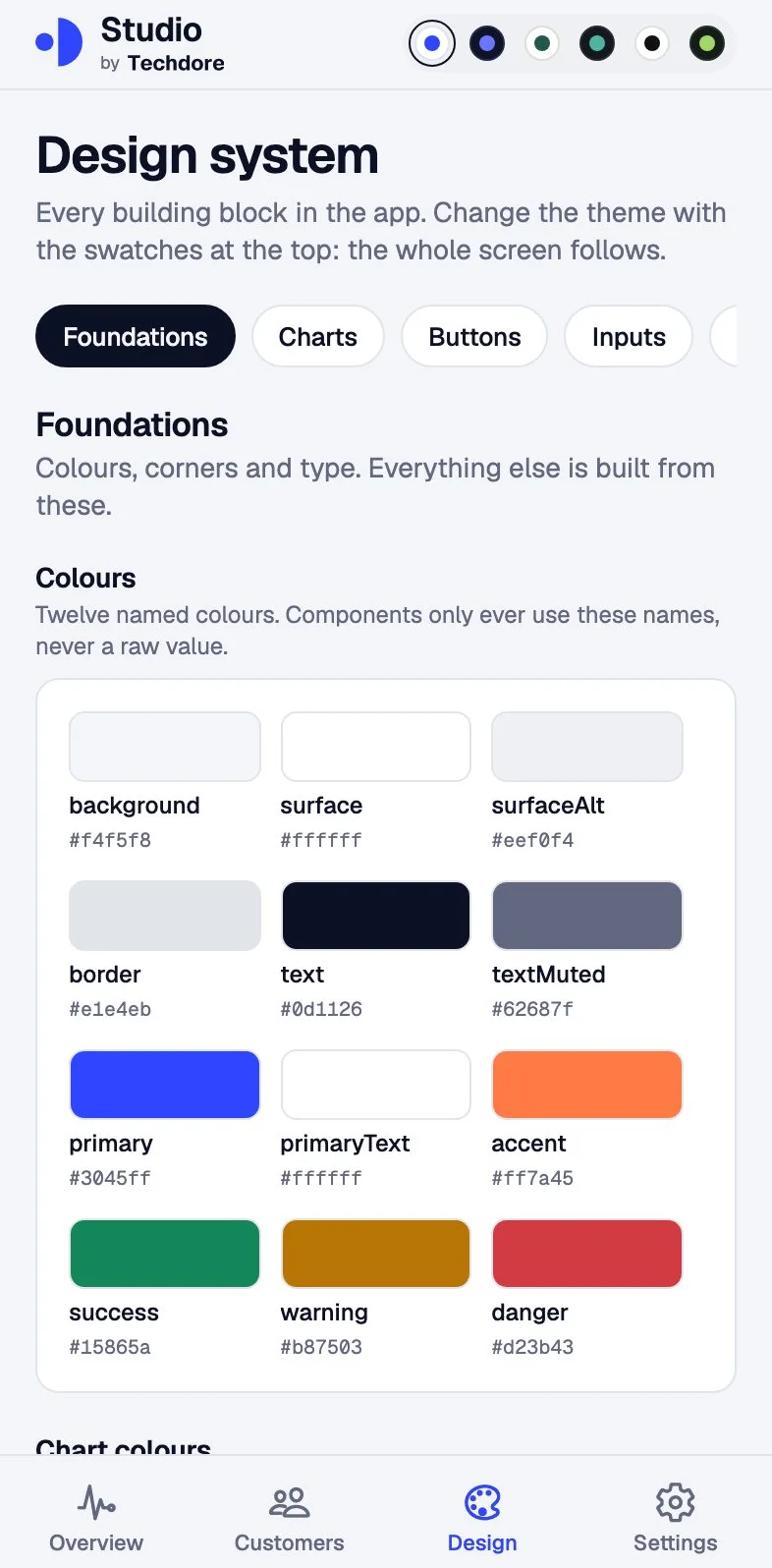
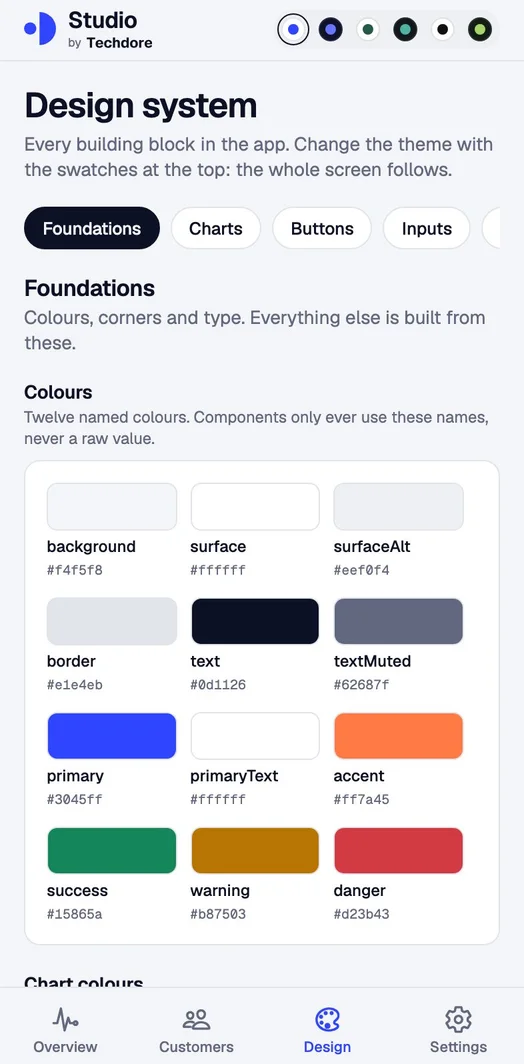
Buttons, inputs, pickers, sheets, menus, charts and more, all on one screen you can look through.
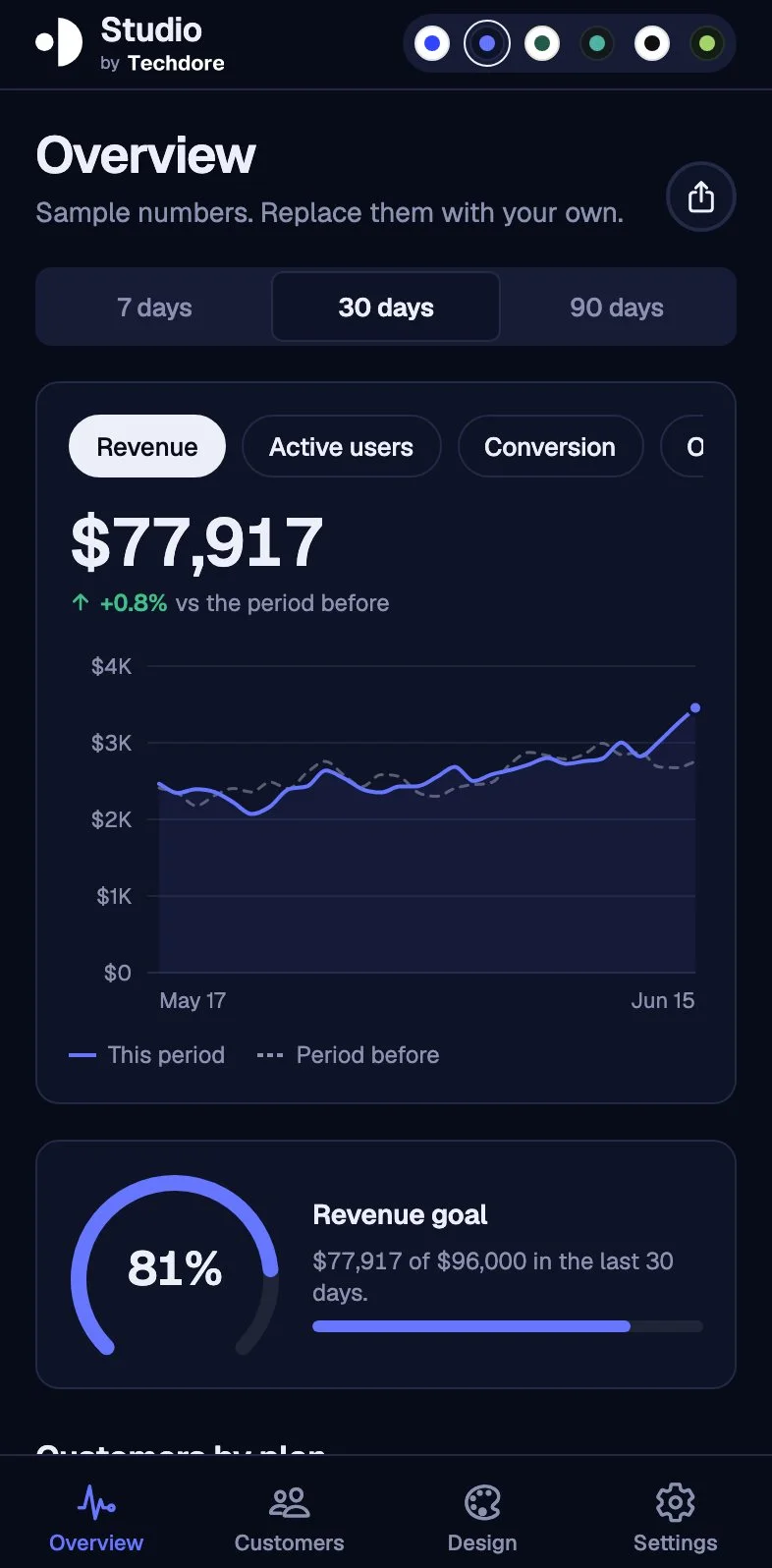
Light and dark looks, and two spacing sizes. Change the whole app with one tap.
People sign in with the same accounts as your web app. The login is kept safely on the phone.
Subscriptions are set up. You see sample plans until you add your own keys.
The app asks for permission. Sending them is a job for your server, and a guide explains how.
Lines, bars, donuts, gauges and heatmaps that follow the theme you pick.
Scan a QR code with the Expo Go app and see it on your phone.
Tests cover the charts, themes, sign-in rules and purchases.
Made withExpo SDK 58 · Expo Router · React Native · TypeScript · RevenueCat · Better Auth client · Secure storage · react-native-svg charts
You needNode.js 20.19+ · Expo Go on a phone, or an iOS or Android simulator · A RevenueCat account and a development build for real purchases
Screens
Real screenshots of the kit running with its sample data.
Ask your AI
You don’t write the code or edit the video. Open the folder in your AI agent, say what you want in plain words, and review what comes back.
Not sure what to ask? Here are real examples.
› Start a mobile app called Streakly
Streakly is ready to open on your phone
› Add a Habits tab with a list and an add button
A new tab with a list and a form
› Make it green and call it Streakly everywhere
Name, logo and colours updated
› Get it ready for the App Store
A checklist of the steps, with the done ones ticked
No. The tabs, the UI library and the themes work on their own. Sign-in uses the accounts of the web app, so you add that when you want people to log in.
Yes. Install the Expo Go app on your phone, run one command and scan the QR code. You can also run it in a browser to work on the look.
No. In-app purchases need a development build of the app. The included guide shows how to make one.
Yes, it is one app that builds for both. Publishing to the App Store or Google Play follows the shipping guide.
In the same kit
Your purchase includes all of them.
$9.99 once, then it’s yours: every kit, every template, every update. Run it for 14 days or get your money back.
Get the kit for $9.99$59.90 · launch price · no subscription