Desktop app kit
Mac, Windows and Linux.
A real desktop app that looks like the ones you love. A polished interface, licence keys, automatic updates and installers are already built, so you can start selling sooner.
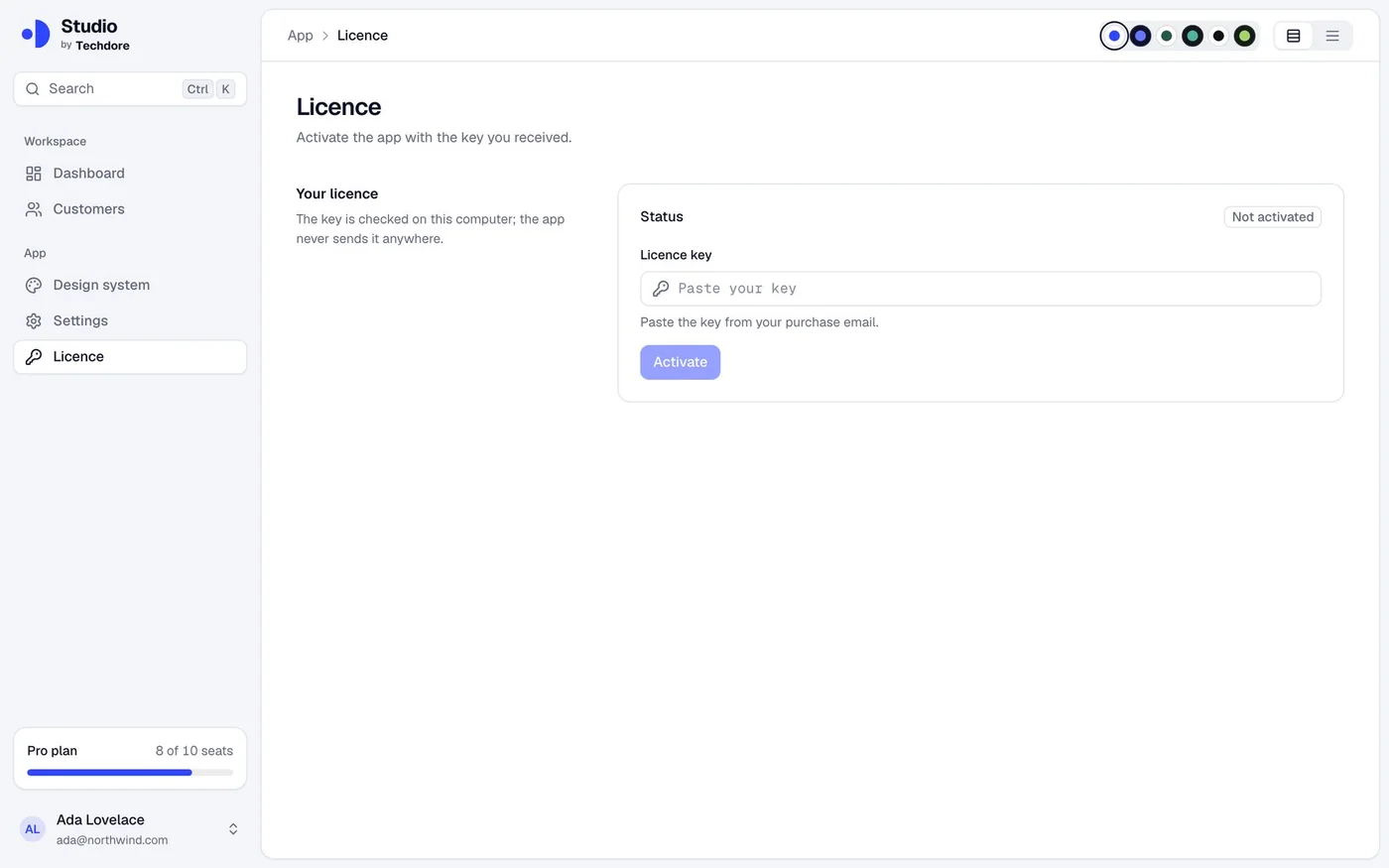
A polished app
What you get
Already built. Ready to use.
Everything here works from the first run. Change what you want and keep the rest.
A polished app shell
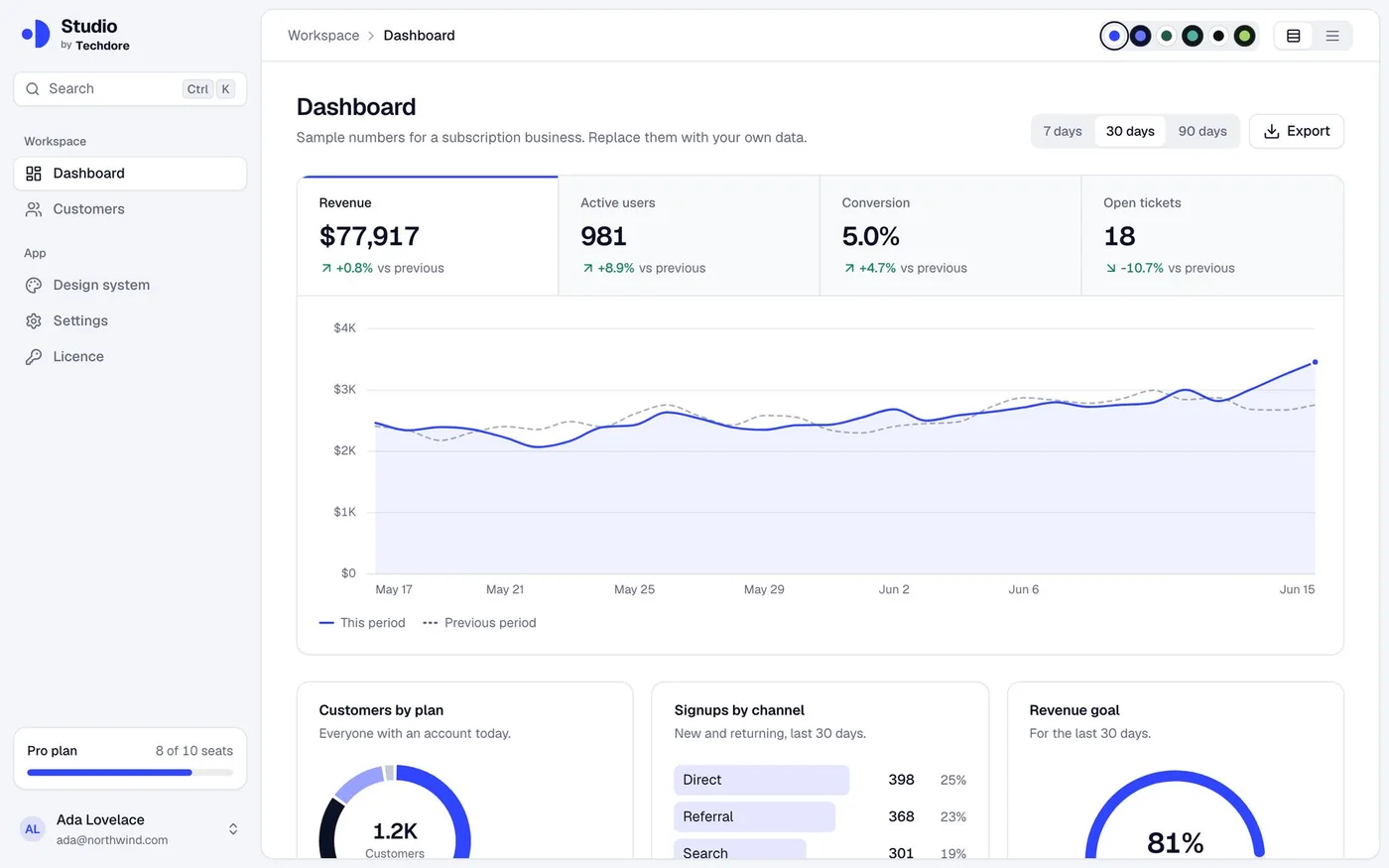
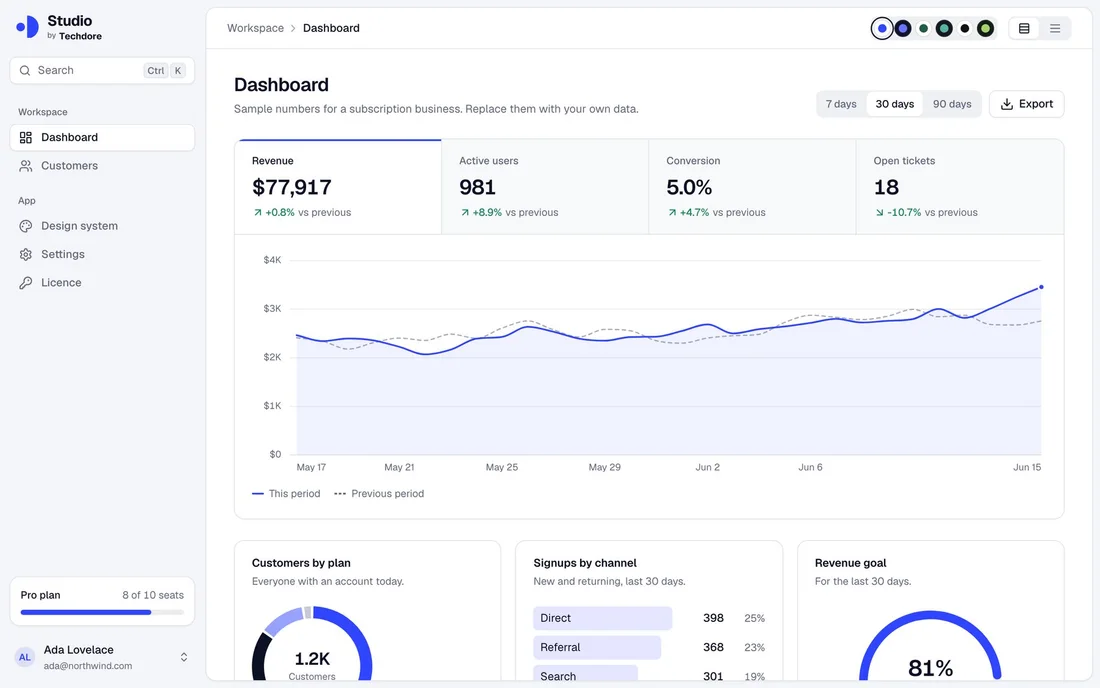
A sidebar, search, a title bar and a dashboard whose numbers switch the chart. Press ⌘K to jump anywhere.
Tables that work
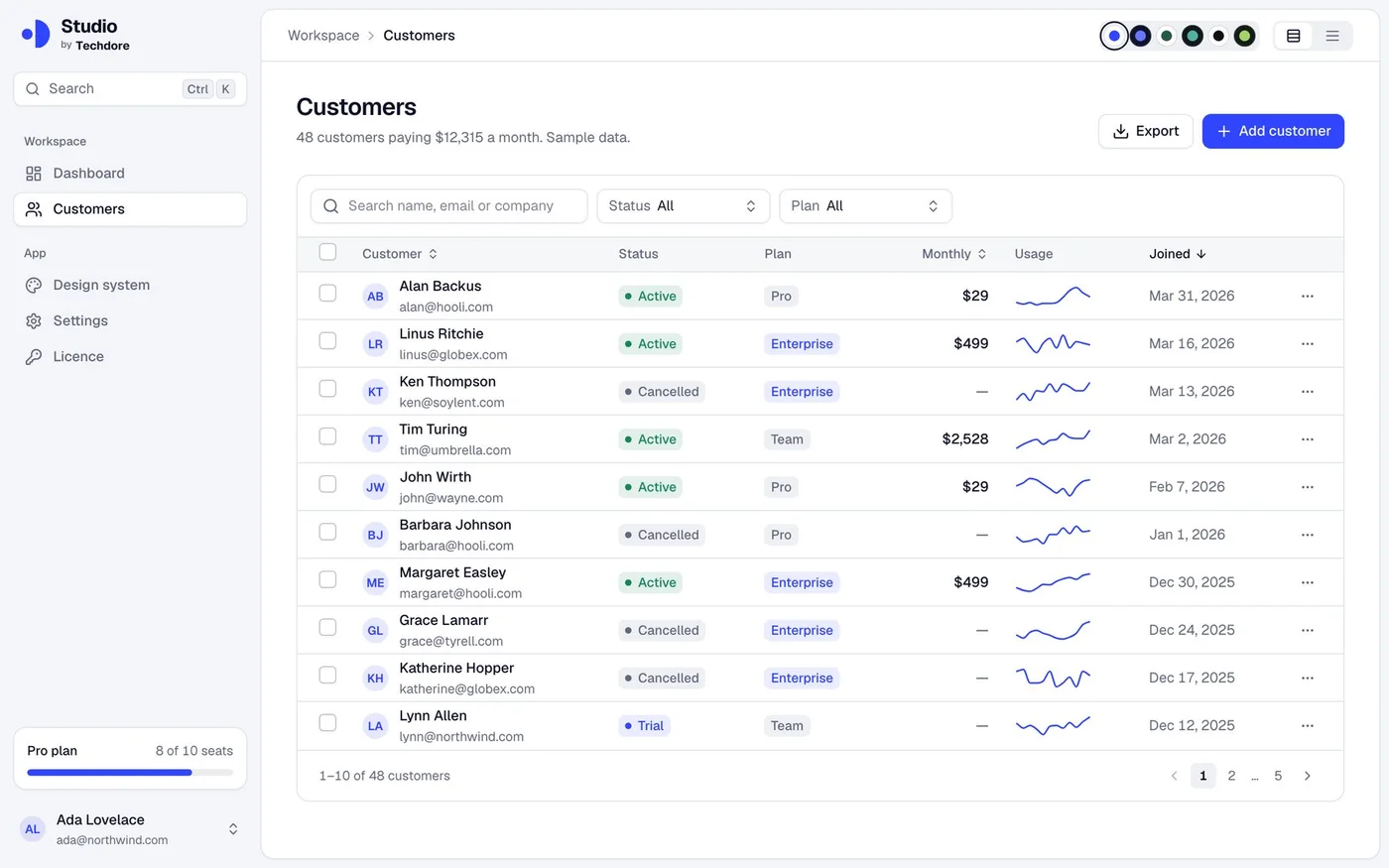
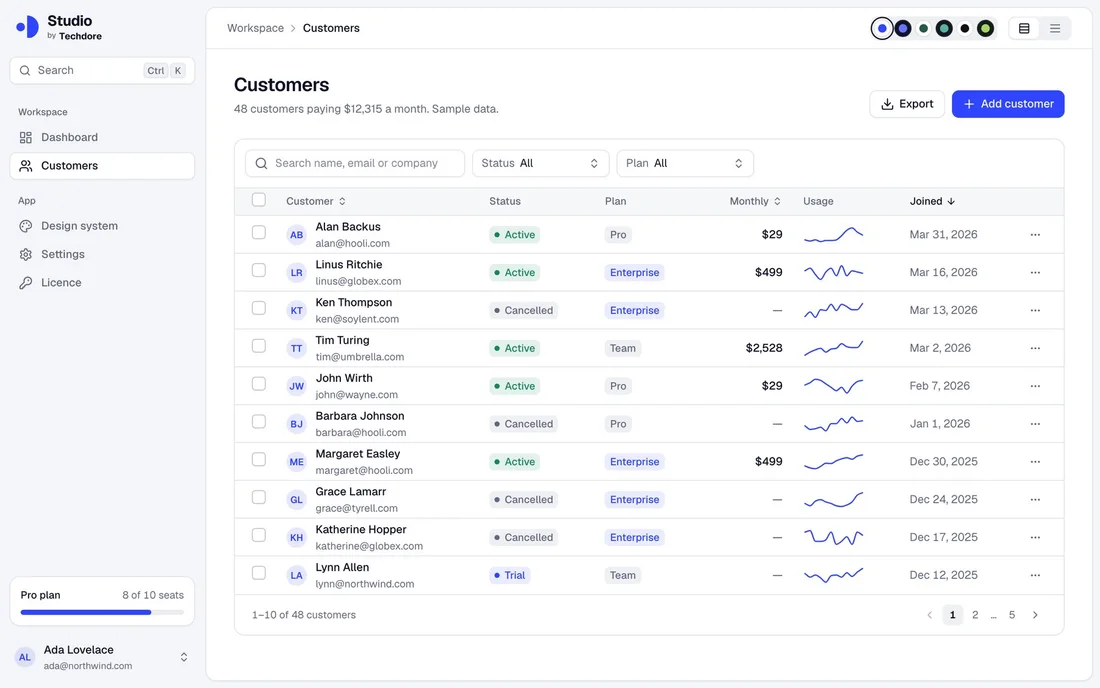
A customers page with search, filters, sorting, selection, pages, a details panel and an add form.
A UI library
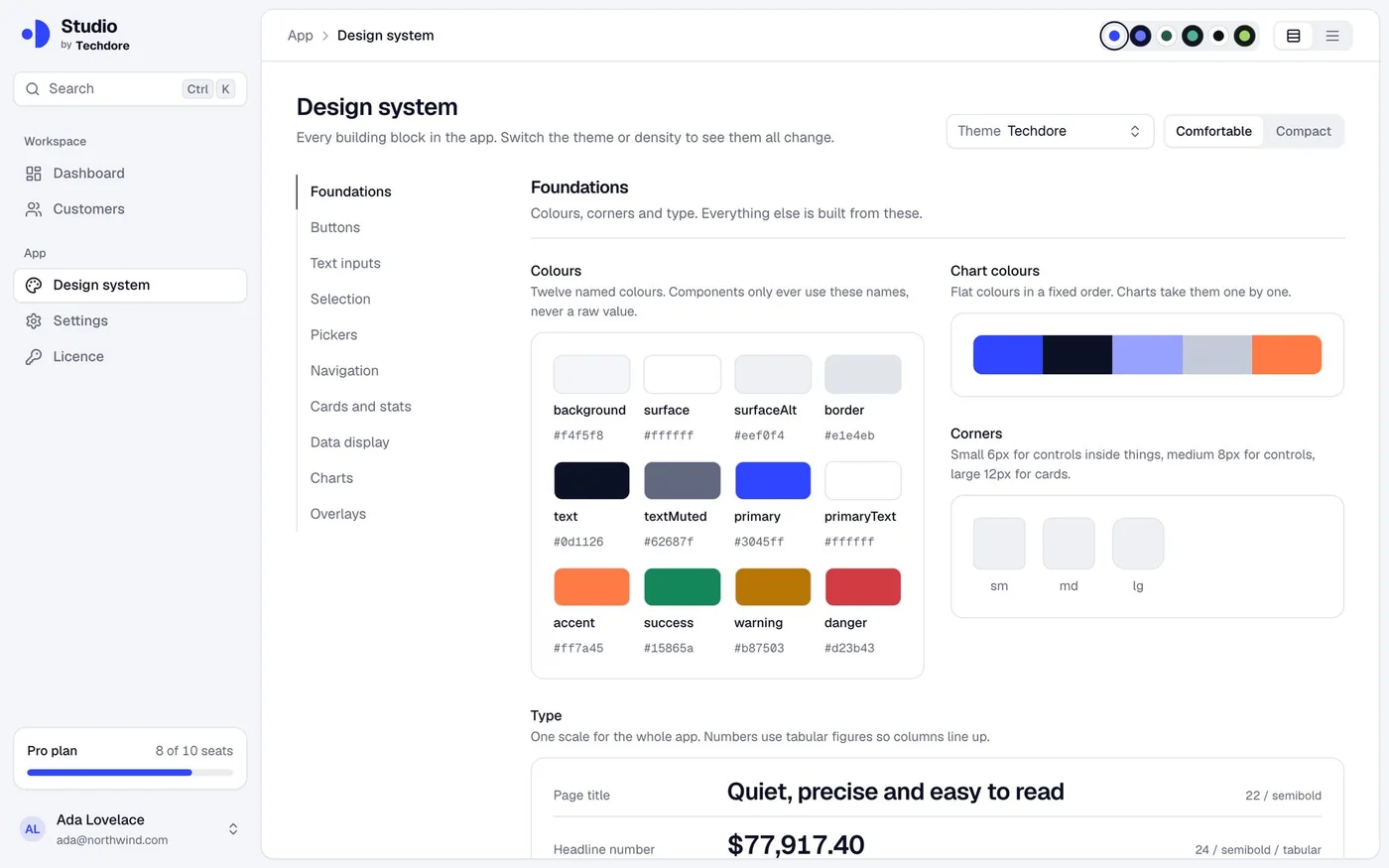
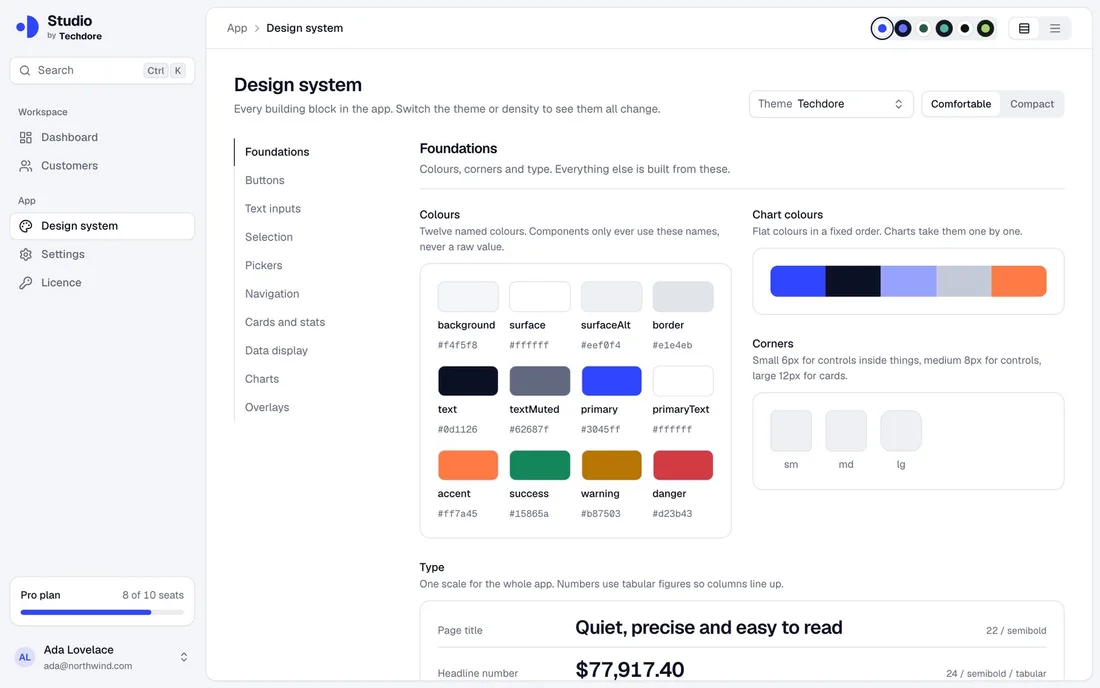
About 40 components, from buttons and date pickers to tables and charts, on one page you can browse.
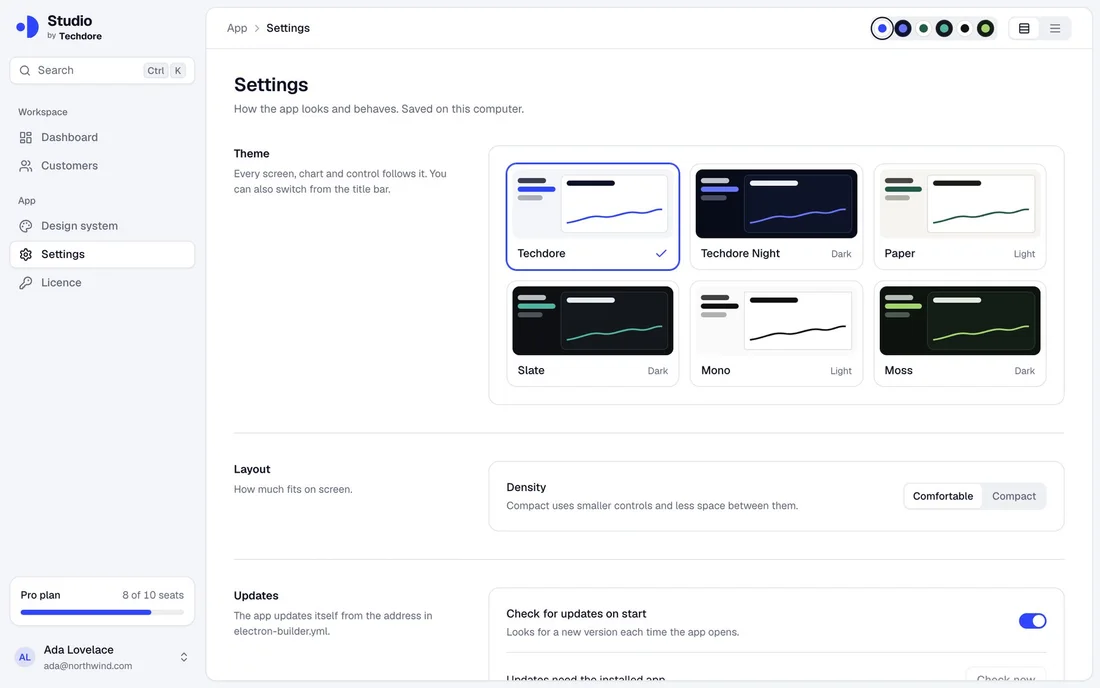
Six themes
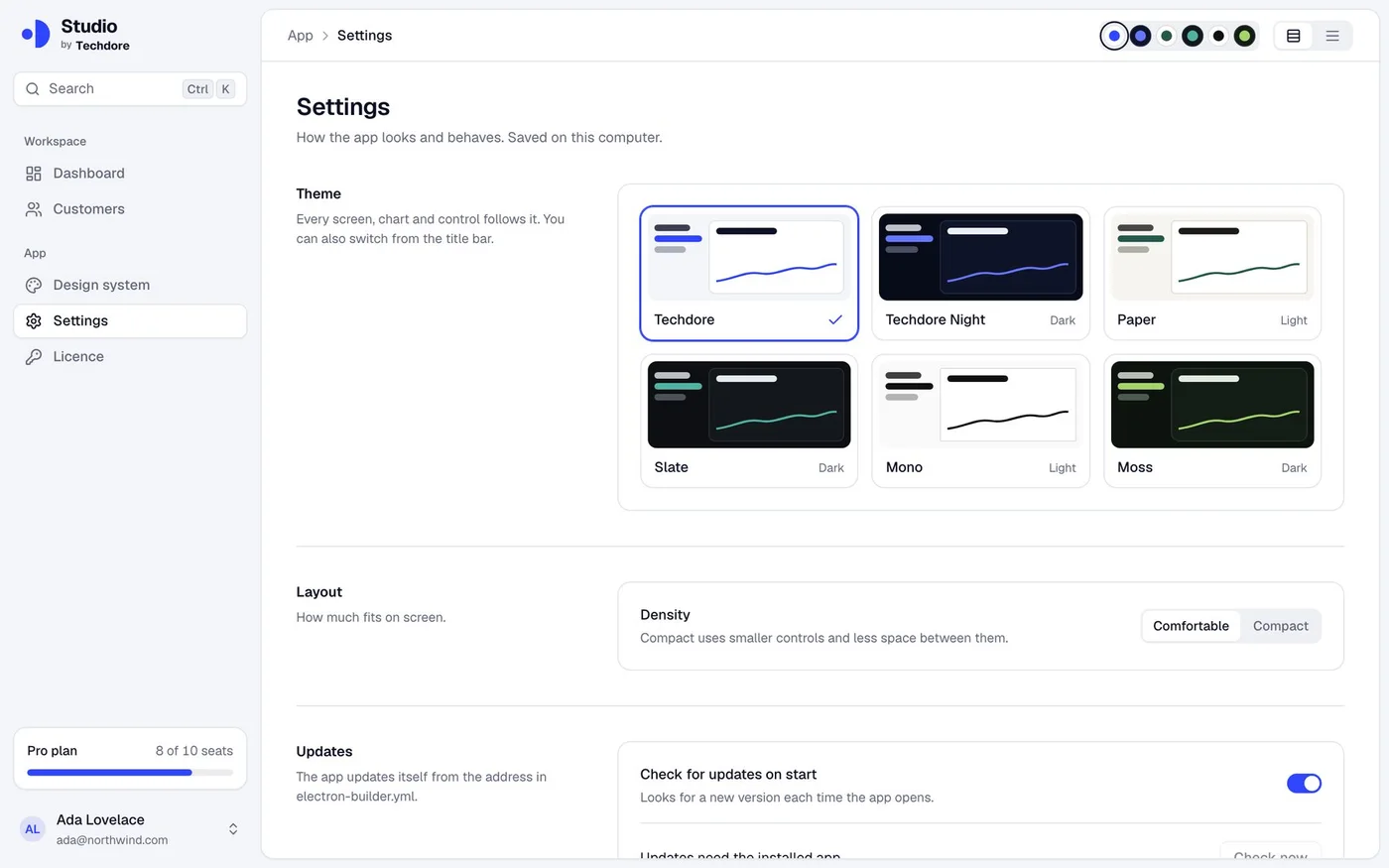
Light and dark looks and two spacing sizes. The whole app follows your pick.
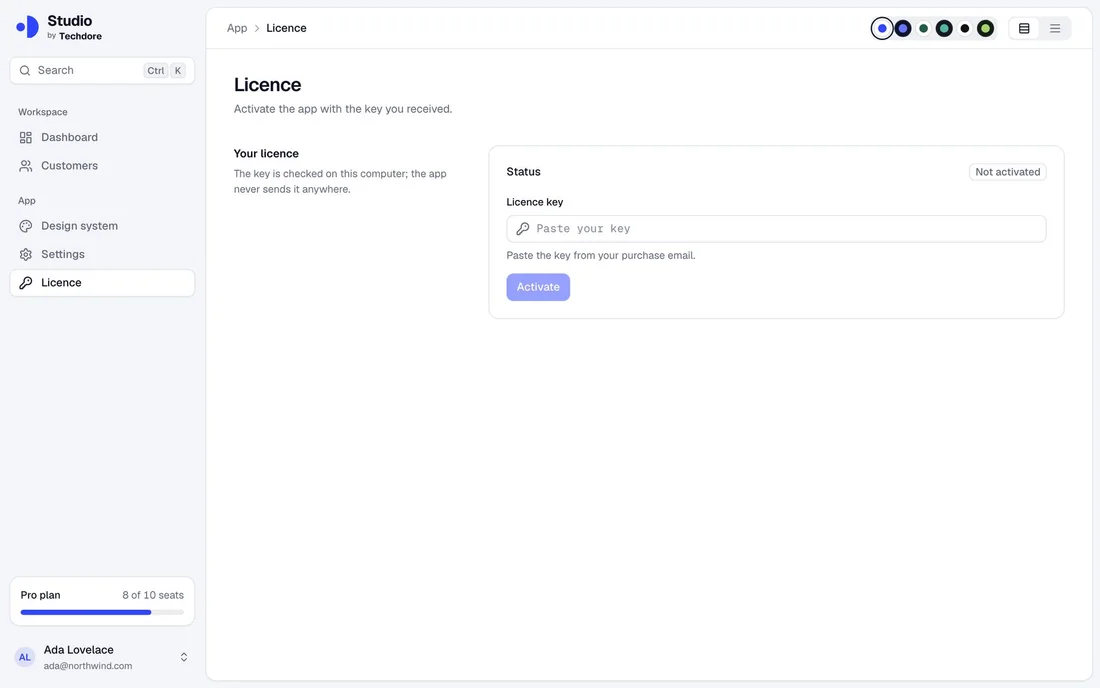
Licence keys
Sell with signed keys that the app checks offline. One command makes a key for a customer.
Automatic updates
The installed app can update itself when you publish a new version.
Installers
One command builds an installer for Mac, Windows or Linux.
Safe by default
The app window is locked down: it cannot reach your files or the system except through checked messages.
Links that open the app
A link such as studio://settings opens the app on that page.
Made withElectron 45 · electron-vite · React 19 · TypeScript · Tailwind 4 · Radix UI · electron-builder · Ed25519 licence keys (offline) · electron-updater
You needNode.js 22.12+ · A code-signing certificate when you ship to customers
Screens
A polished app from the first run. See for yourself.
Real screenshots of the kit running with its sample data.
Ask your AI
Say it. Get it.
You don’t write the code or edit the video. Open the folder in your AI agent, say what you want in plain words, and review what comes back.
Not sure what to ask? Here are real examples.
› Start a desktop app called Notely
Notely is ready to run on your computer
› Add a Notes screen with a list and an editor
A new screen in the sidebar
› Make a licence key for ada@example.com
A signed key, ready to send
› Build an installer for Windows
An installer in the release folder
Does it work on Mac, Windows and Linux?
Yes. It is one app and one command builds the installer for each system.
How do licence keys work?
You make a signing key once. Then one command creates a key for each customer, and the app checks it on their computer without a server.
Do updates happen automatically?
The installed app can update itself. You choose where you publish releases, and the shipping guide walks through it.
Do I need to sign the app?
To ship to customers, yes: Mac and Windows warn about unsigned apps. Signing needs a certificate from Apple or Microsoft, and the guide explains the steps.
In the same kit
One download. Four products.
Your purchase includes all of them.

Start from a working product, not a blank folder.
$9.99 once, then it’s yours: every kit, every template, every update. Run it for 14 days or get your money back.
Get the kit for $9.99$59.90 · launch price · no subscription